
How to Search Palm Beach County Traffic Court Records
Traffic cases are searched in the Clerk's eCaseView portal, the same free system used for other court records. It returns Traffic Infractions, Criminal Traffic, County and Municipal Ordinance, and related case types. Guest access needs no account. The citation number is the most precise search field, but a driver's name with a date range also works.
Before you start, find the citation number from the ticket if you have it. If not, use the full legal name and narrow by the Traffic Infractions or Criminal Traffic court type. A common name without a date range can return many results.
- Open eCaseView and log in as a guest user.
- Enter the citation number, or a name with the Traffic Infractions or Criminal Traffic court type.
- Add an offense or file date range if a name returns too many matches.
- Open the case to read the charge, court date, disposition, and any fine or payment status.
- Pay through official Clerk channels, contest the ticket, or order a certified copy if needed.
Which Courts Handle Traffic Cases in Palm Beach County
Traffic in Palm Beach County is a County Court matter, not a separate traffic court system. The Clerk's second-floor criminal and traffic window at the Main Courthouse handles traffic tickets, misdemeanors, infractions, payments, court dates, and case inquiries. eCaseView exposes the traffic-related court types, so a single search system covers them all.
The table shows how the main traffic case types map to the court and the Clerk's service point.
| Court | Traffic Cases Handled | Service Point |
|---|---|---|
| County Court | Traffic infractions, criminal traffic, ordinance, parking | Main Courthouse, Room 2.2300 |
| Circuit Court | Felony-level vehicular cases on the criminal docket | Main Courthouse criminal division |
| Clerk branches | Payments and case inquiries | North, south, west, and Royal Palm Beach branches |
Types of Traffic Cases on Record
Florida traffic cases split into civil infractions and criminal traffic, plus several ordinance categories. eCaseView lists the case types under traffic-related court types. The list below covers the main groups.
- Traffic infractions - non-criminal moving and non-moving violations such as speeding.
- Criminal traffic - charges like DUI, reckless driving, or driving while license suspended.
- Parking and handicap parking - parking citation and disabled-parking violations.
- Marine infractions - waterway and boating-related non-criminal matters.
- Ordinance matters - county and municipal code violations that are traffic-adjacent.
What Palm Beach County Traffic Court Records Show
A traffic case record carries the citation, the charge, the court date, and the outcome. The table breaks down the fields a searcher sees on a Palm Beach County traffic case.
| Field | What It Shows |
|---|---|
| Citation Number | The number printed on the ticket; the most precise search key. |
| Case Number | Year, court type code such as TR or CT, and sequence; example 2015TR900123. |
| Charge / Statute | The violation and the Florida statute cited. |
| Court Date | The hearing date, time, and location where one is set. |
| Disposition | The outcome, such as paid, dismissed, or adjudicated. |
| Fine / Payment Status | The fine, court costs, and whether they are paid. |
Searching by Citation Number vs by Name
The citation number is the fastest, most precise way to find a traffic case, because it points to one record. A name search is broader and can return many people with the same name, so it works best with a date range or a court type. The fields below come from the eCaseView traffic search.
| Search Field | Type | Required | Notes / Format |
|---|---|---|---|
| Citation Number | Text | No | Max 50; letters, numbers, dashes; no spaces |
| Case Number | Text | No | Example 2015TR900123 |
| Last Name | Text | No | Use with a date range for common names |
| Court Type | Dropdown | No | Traffic Infractions or Criminal Traffic |
| Offense / File Date Range | Date | No | Narrows a name search |
Paying or Contesting a Palm Beach County Traffic Ticket
Search the citation in eCaseView first to confirm the charge, court date, and amount. Decide whether the ticket is payable without a court appearance or requires a hearing. Criminal traffic charges and some serious infractions need more care than a simple payable infraction. Use the Clerk's official payment options, not a phone text or a payment app request.
The Clerk's March 2026 fraud alert is important here. Scammers have impersonated law enforcement and told people with real tickets to pay through Zelle to a Gmail account. The Clerk does not accept Zelle and does not use Gmail accounts. New court documents are filed through the statewide e-filing portal, not eCaseView.
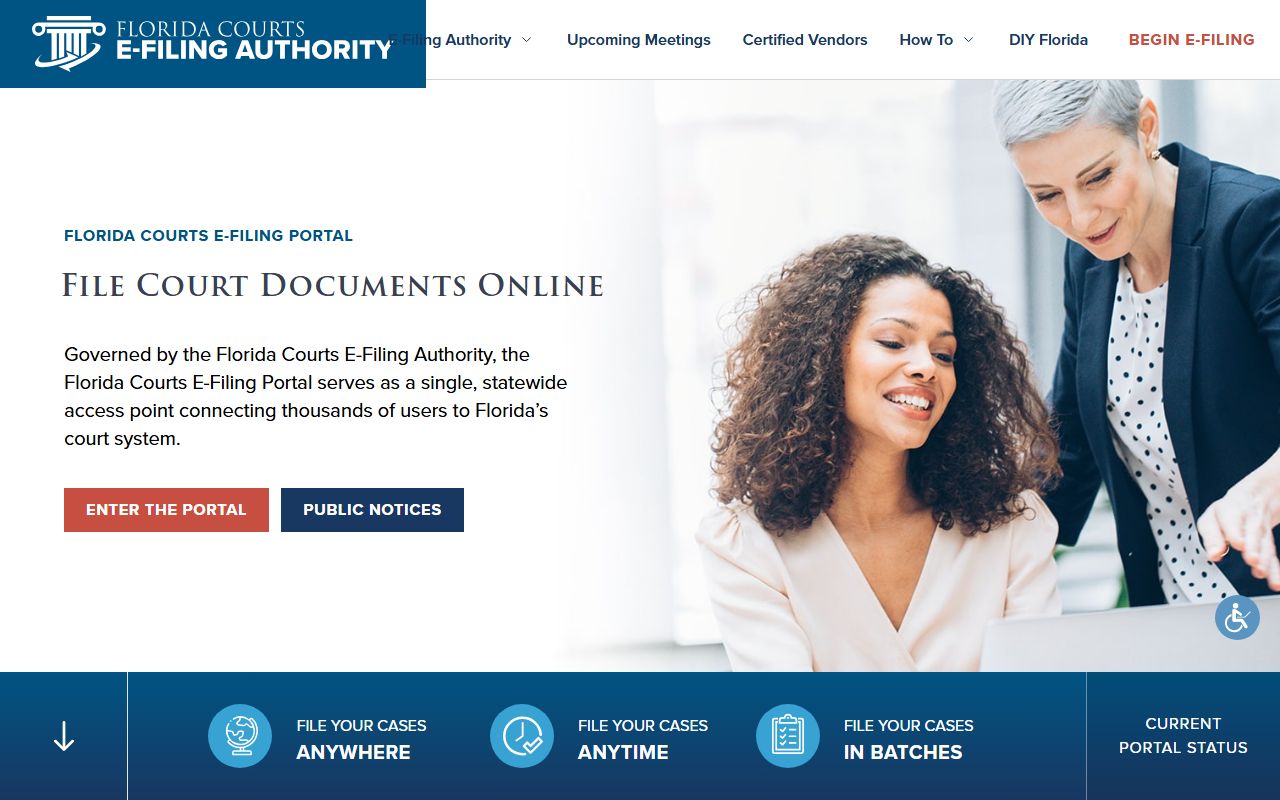
The Florida Courts e-filing portal shown above is where attorneys and parties file documents, while eCaseView is only for searching cases.
- Search the citation in eCaseView and read the case status.
- Decide to pay, contest, or request a hearing through official Clerk channels.
- To contest, plead not guilty or request a hearing per the Clerk's traffic instructions.
- Appear on the court date, or check eCaseView and contact the Clerk if you miss it.
Public Access Laws for Traffic Court Records
Traffic court records are public under Florida's open-records framework, with court files governed by the same rules as other cases. The general public records duty sits in Florida Statutes § 119.07, and court files carry the added layer of Florida Rule 2.420. Certain information inside a file is redacted under Florida Statutes § 119.0714.
Key Statutes:
Florida Statutes § 119.07 - sets the duty to allow inspection and copying of public records.
Florida Statutes § 119.0714 - covers court files and information exempt from inspection.
Court Traffic Records vs State Driver Records
The county court file and the state driver record are two different documents. The court file is the case record kept by the Clerk: the citation, charge, court date, and disposition. The state driver record is kept by the Florida Department of Highway Safety and Motor Vehicles and shows license status, points, suspensions, and conviction history. A court traffic record is not a complete driver history, and a driver record is not the court case file.
| Record Type | Source | What It Shows | How to Access |
|---|---|---|---|
| Court Traffic Record | Palm Beach County Clerk / County Court | Citation, charge, court date, disposition, fine | eCaseView or the Clerk's office |
| State Driver Record | Florida Highway Safety and Motor Vehicles | License status, points, suspensions, conviction history | State driver record service |
| PBSO Booking Record | Palm Beach County Sheriff | Booking if a traffic arrest such as DUI occurred | PBSO Booking Blotter |
CDL and Commercial Driver Records
Commercial driver's license holders face stricter rules. Many violations that a regular driver could resolve with traffic school are reported on a CDL record, and a CDL driver should not assume standard traffic school options apply. Convictions can carry federal reporting consequences and affect the commercial license. A CDL driver who gets a ticket should read the citation closely and consider legal advice before electing traffic school or entering a plea, since the wrong choice can affect their livelihood.
DUI / DWI Cases
DUI in Florida is criminal traffic, so it routes into the criminal side of the court rather than a simple payable infraction. A DUI usually involves a PBSO arrest, a booking, and a criminal case with charges and a disposition. These cases carry the same public-access rules as other criminal matters.
For full Palm Beach County DUI/DWI case information, see Palm Beach County criminal records.
Defensive Driving and Election Options
For many non-criminal infractions, a driver can elect a basic driver improvement or defensive driving course to avoid points on the state driver record. Eligibility and deadlines follow Clerk and state rules, and the election must be made within the time the citation allows. The court file will note the election and the outcome. Self-represented drivers can find forms and packets through the Clerk's Self-Service Center and the Florida Courts forms library.
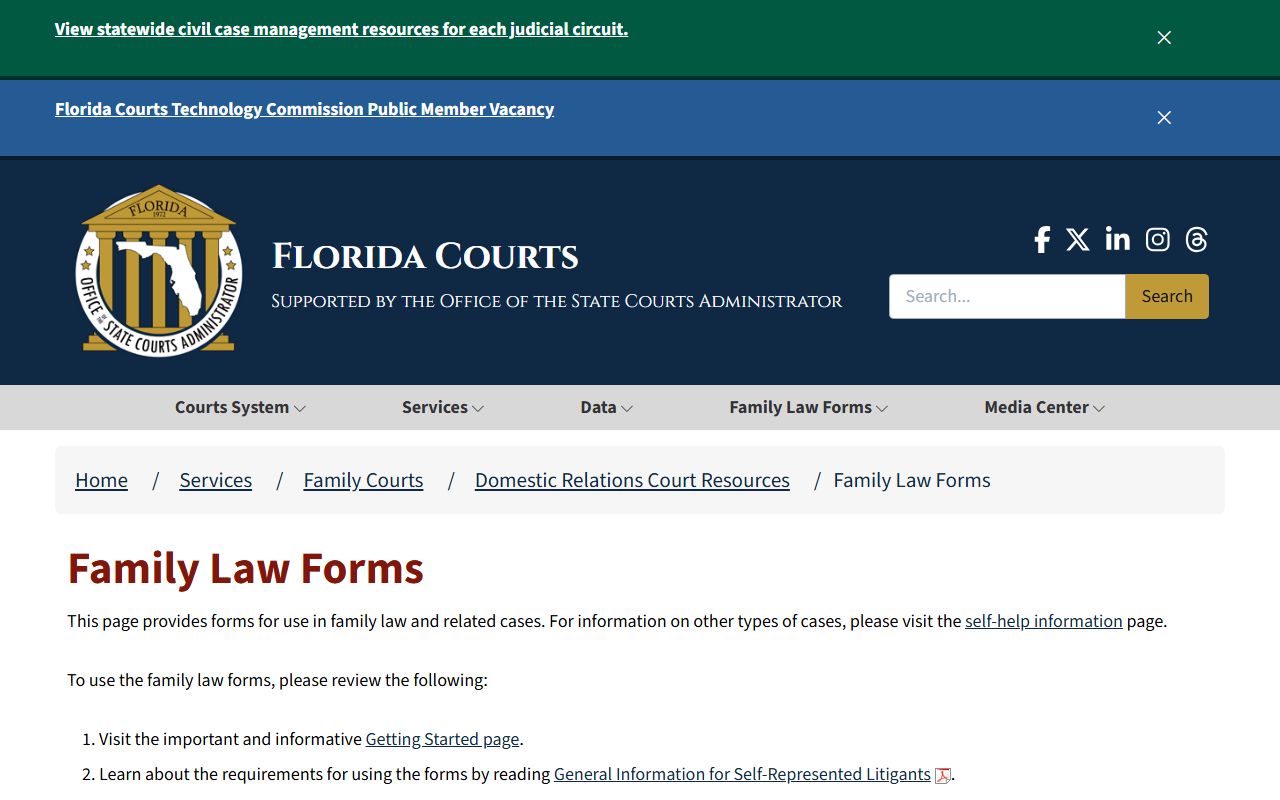
The Florida Courts forms library shown above is a statewide source of self-help forms that supports self-represented drivers and litigants.
Sealing or Expunging Traffic Records
Civil traffic infractions are generally not eligible for sealing or expunction the way some criminal records are. Criminal traffic cases follow the Florida sealing and expunction process, which starts with a Certificate of Eligibility from the Florida Department of Law Enforcement before a court petition. Eligibility is technical, and many dispositions do not qualify. A driver who needs help with a traffic case can turn to county civil legal aid.

The Legal Aid Society of Palm Beach County shown above offers civil legal help to eligible residents who face traffic-related civil issues.
Rural and low-income residents can also reach Florida Rural Legal Services for help.

Florida Rural Legal Services pictured here serves low-income clients, including those in the county's western communities.
Fees for Traffic Record Copies
The Clerk's copy and certification fees apply to traffic court records. Traffic fines themselves vary by violation, court costs, election, and disposition, and the specific fine schedule was not in the figures gathered. Card payments add a 3.5 percent processing charge.
| Item | Amount |
|---|---|
| Copies up to 8.5 x 14, per page | $1.00 |
| Certifying copies, per instrument | $2.00 |
| Records search, per year per name | $2.00 |
| Electronic certified court document | $8.00 plus 3.5% processing |
Note: confirm the current traffic fine amounts and the state driver record fee with the Clerk and the state motor vehicle agency, since those were not in the published figures gathered.