
What Is a Court Docket in Palm Beach County
A docket is the chronological index of a case. Each row marks one event: a complaint filed, a motion served, an order signed, a hearing set, or a judgment entered. The docket does not hold the full text of every paper, but in Palm Beach County many docket rows link to a document image so a reader can open the actual filing. Think of the docket as the table of contents and the case file as the book.
The Palm Beach County docket sits inside eCaseView, the Clerk's free case search system. Both Circuit Court and County Court cases share the same docket format. A separate Court Events tab can show a court date, time, and location for case types that publish events, such as criminal, small claims, and domestic violence. When no event shows there, the docket itself may carry a hearing notice.
How to Find Palm Beach County Dockets Online
The docket lives in the Clerk's eCaseView portal. Guest access is free and needs no login. The system covers civil, criminal, traffic, family, probate, guardianship, mental health, and small claims dockets, with document images from late 2008 forward for most public case types.
- Open eCaseView and choose "Login as Guest User."
- Pick a court type, such as Felony, County Civil, or Traffic Infractions, to narrow the search.
- Enter a case number for an exact match, or a party name with a date range.
- Open the case and scroll the docket entries in date order, then check the Court Events tab for hearings.
Sample Palm Beach County Docket Entry
Each docket entry packs several pieces of data into one row. Reading the row in parts makes it clear. The table below breaks down a typical Palm Beach County docket line.
| Field | What It Shows |
|---|---|
| Entry Date | The date the Clerk recorded the filing or event. |
| Event Type | Short text such as Motion, Order, Notice of Hearing, or Disposition. |
| Party Filing | The side that filed the document, where the entry applies to a filing. |
| Document Link | A PDF image of the filing when one exists and access rules allow it. |
Note: a docket row with no document link is not always an error, since many court events do not create a document and some images are limited by access level.
Courts That Publish Dockets in Palm Beach County
Palm Beach County is the entire Fifteenth Judicial Circuit, and both of its trial courts post dockets through eCaseView. The circuit's Court Administration office supports 54 judges and 9 magistrates, and case assignments route by division. Federal cases are not in eCaseView; those dockets sit in PACER.
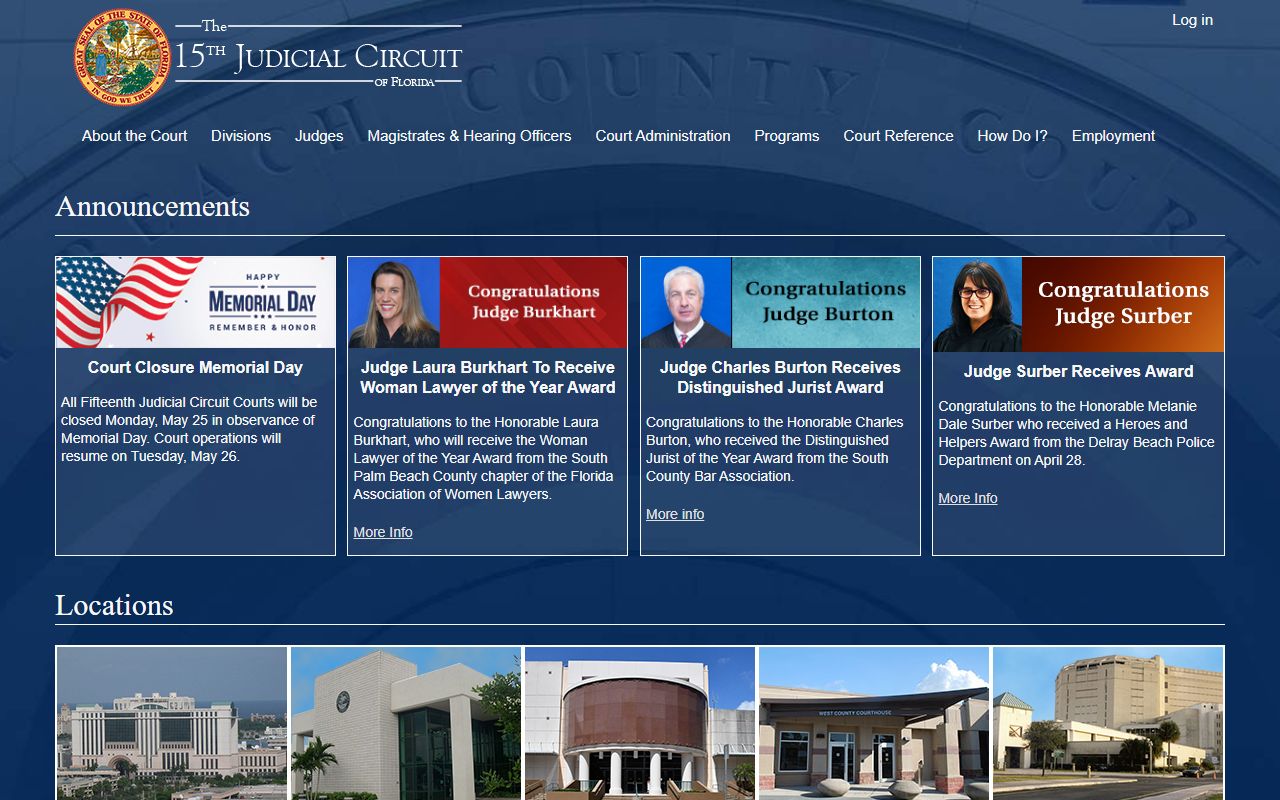
The Fifteenth Judicial Circuit home page, shown above, links the local divisions and administrative orders that shape how dockets are assigned and heard.
- Circuit Court - felony, family, probate, guardianship, mental health, and circuit civil dockets.
- County Court - misdemeanor, traffic, small claims, eviction, and ordinance dockets.
- District Court of Appeal - appellate dockets, handled outside eCaseView through the appellate court.
The circuit's Court Administration page describes the office that manages judges, magistrates, and staff across the county.
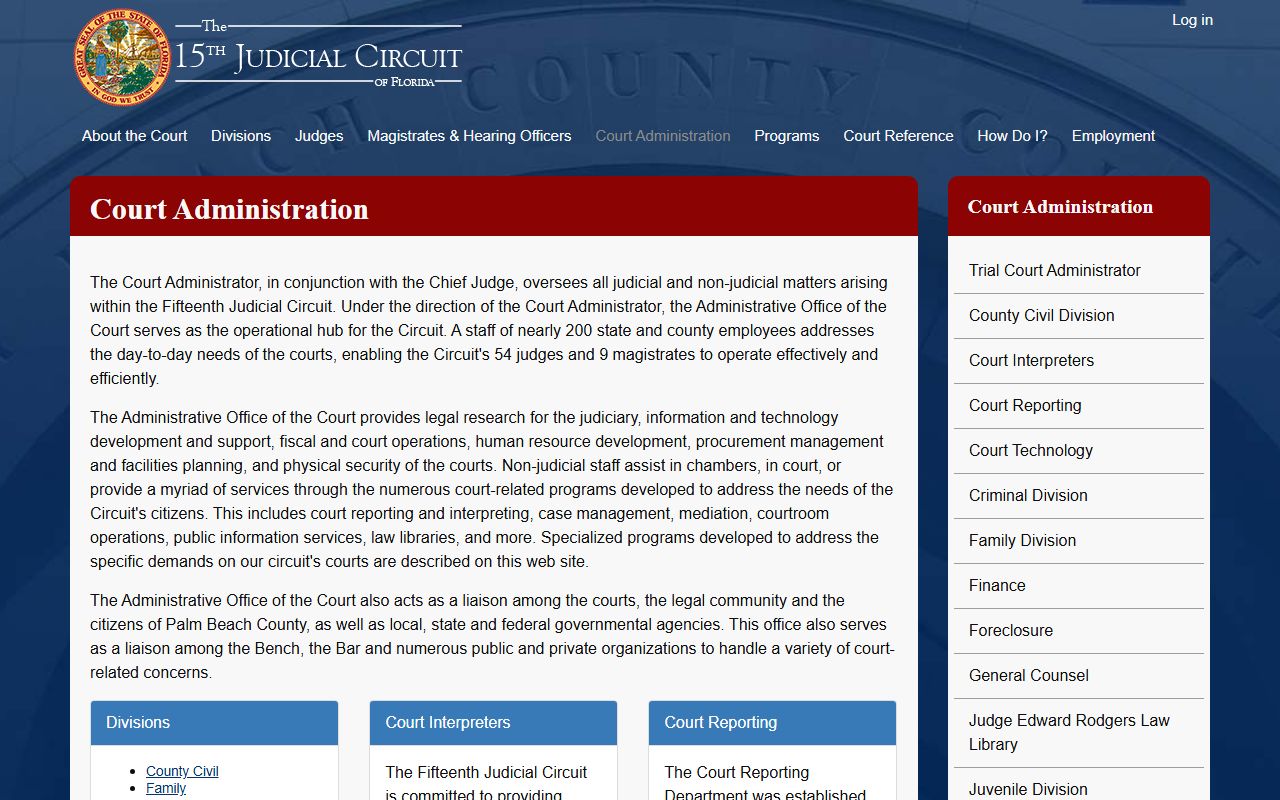
Court Administration, pictured here, oversees the judicial assignments and scheduling that produce the hearing entries seen on a docket.
Docket vs. Full Case Record
A docket and a full case record serve different needs. The docket is a quick map of case progress. The full record holds the actual motions, exhibits, orders, and judgments. Most people checking a court date or case status only need the docket. Lawyers, parties, and anyone preparing for a hearing usually need the full file.
| Docket | Full Case Record | |
|---|---|---|
| Format | List of dated entries | Full document images |
| Access | Free online in eCaseView | Free for public docs; certified copies cost a fee |
| Use | Track filings and court dates | Legal review, proof, evidence |
The docket and the file update together as the Clerk processes new paperwork. There can be a short lag between a hearing and the screen, so a same-day update may not appear right away. For a true and correct copy of any document linked on the docket, order an electronic certified copy through eCertify or request one from the Records Service Center. Uncertified docket documents print for free but are not accepted as legal proof.
How to Read a Palm Beach County Docket
Docket text uses shorthand. Common entries include Mot for motion, Ord for order, NOH for notice of hearing, and Disp for disposition. The case number prefix tells you the court type: CF for felony, MM for misdemeanor, CA for circuit civil, CC for county civil, TR for traffic, DR for family, and CP for probate. Courtroom labels follow the floor number, so a hearing in courtroom 11D sits on the eleventh floor of the Main Courthouse.
Disposition lines deserve a careful read. A charge is the accusation. The disposition is the outcome, which can be guilty, not guilty, dismissed, nolle prosequi, or a withhold of adjudication. A withhold means the court found facts to support guilt but did not enter a formal conviction. Reading the charge and the disposition together prevents a wrong conclusion about a case.
The Main Courthouse tour page confirms the chief judge's oversight and the downtown courthouse address where most hearings on a docket take place.
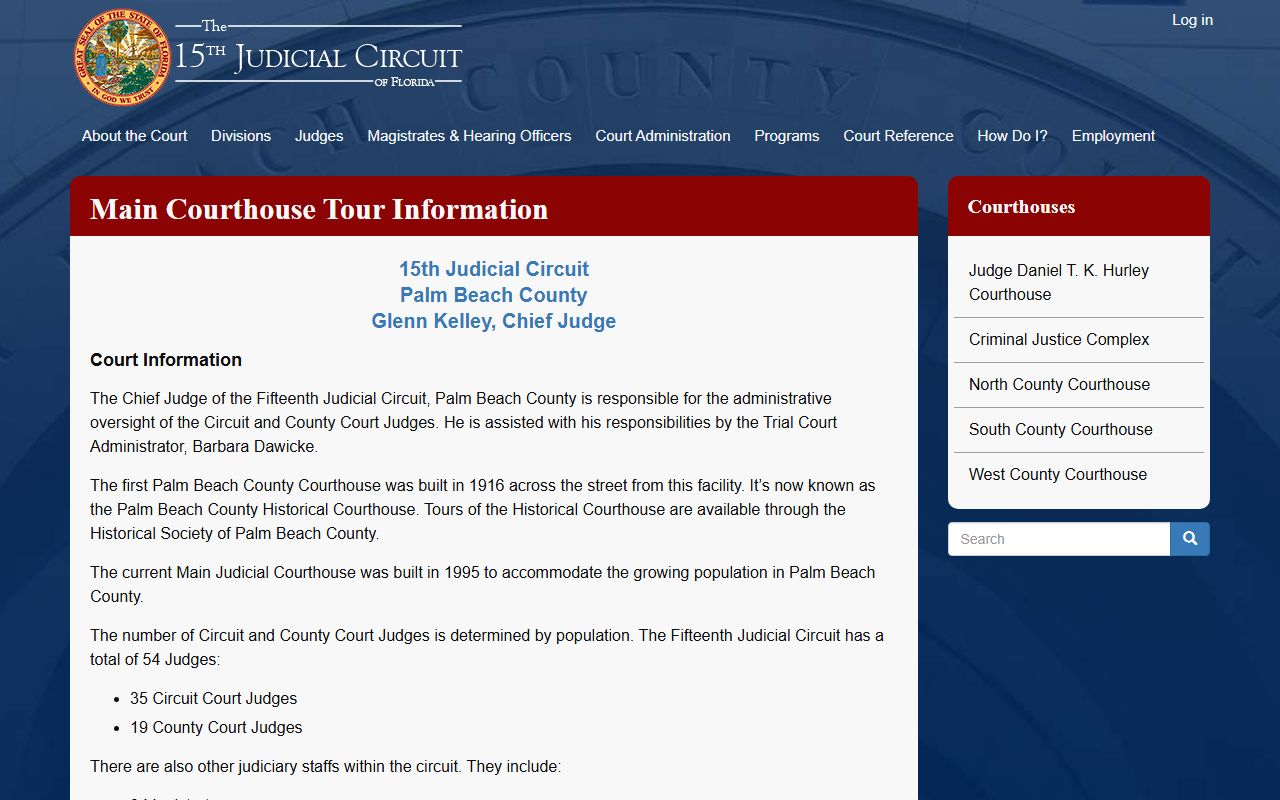
The courthouse page pictured here helps a reader connect a docket's courtroom label to the actual floor and building downtown.
Court Events and Hearing Dates in the Docket
Many people open a docket for one reason: to find a court date. The Clerk's eCaseView Court Events tab lists the date, time, and location for case types that publish events. The Clerk names criminal, small claims, and domestic violence among the case types that commonly show events. When the Court Events tab is blank, the answer is usually in the docket itself, where a Notice of Hearing entry carries the date.
The Clerk also warns that a court date should never be ignored. Rescheduling a citation or any case must go through the Clerk's office, not a third party. A missed date can trigger a warrant, a capias, a license hold, or other sanctions depending on the case type. If a docket entry seems unclear, the safest step is to call the Clerk and confirm before the hearing.
Q: Why does a docket entry have no document image?
Many court events, such as a continuance or a status note, do not produce a document. In other cases the user's access level blocks the image. A row without an image is normal and does not mean the docket is broken.
Common Palm Beach County Docket Terms
A short glossary helps a first-time reader move through a docket. These terms appear across criminal, civil, and family dockets in Palm Beach County.
- Motion
- A written request asking the judge to take an action.
- Order
- The judge's written ruling on a motion or issue.
- Continuance
- A postponement of a hearing or trial to a later date.
- Disposition
- The current or final outcome of a charge or claim.
- Notice of Hearing
- A docket entry that sets a date, time, and courtroom.
- Capias
- A court-issued order for custody, often after a missed court date.