
Common Questions About Palm Beach County Court Records
How do I search Palm Beach County court records?
Use the Clerk's eCaseView portal and select Login as Guest User for free public access. You can search by case number, name, citation number, offense date, file date, court type, and case type. Registered users get extra fields such as date of birth and booking number. Some case types and document images are restricted. See the court records page for the full steps.
Is the eCaseView search free?
Yes. The Clerk says there is no charge to use eCaseView. You can view and print uncertified public documents from your own computer for free where access is allowed. Electronic certified copies of court documents cost $8 per document plus a 3.5 percent payment processing fee. The Clerk of Court page covers certified copies.
How far back do Palm Beach County court records go online?
Case data goes back to about 1976, and document images are generally available from late 2008 forward. Earlier images may be available on a case-by-case basis. Older records may have been purged under Florida retention rules, so a missing older file may need a Clerk records request through the public records process.
How do I find my court date?
Search eCaseView, open the case, and select the Court Events tab. The Clerk says Court Events can show the date, time, and location for case types such as criminal, small claims, and domestic violence. If no event appears there, read the docket for a hearing notice. The court dockets page explains how to read docket entries.
Where do I search for an inmate?
Use the PBSO Booking Blotter, which searches people currently in custody or booked within the past year. You can search by date range, name, street, city, statute, and arresting agency. The page warns that identity can only be confirmed by fingerprint comparison. See the inmate records page for the search steps.
Does Palm Beach County publish a released-inmate list?
There is no dedicated release list. The Booking Blotter covers current custody and recent bookings, so it confirms a release only by what it shows. For a firm answer, call PBSO Inmate Records at (561) 688-4340. The released inmates page covers verification and state and federal searches.
How do I check for a warrant?
No official countywide active warrant portal was confirmed. Search eCaseView for warrant-related docket entries, search the PBSO Booking Blotter for a recent booking, and contact the Clerk, the court, or a defense attorney. Do not rely on private aggregator sites. The warrant records page explains the safe steps.
What court handles traffic tickets?
Traffic tickets and infractions are County Court matters, handled through the Clerk's criminal and traffic window. eCaseView lists Traffic Infractions, Criminal Traffic, County Ordinance, Municipal Ordinance, and parking categories. Pay or contest through official Clerk channels. The traffic court records page covers citation lookups.
How do I get certified copies?
Many court and official records can be ordered as electronic certified copies for $8 per document online plus a 3.5 percent processing fee, delivered by email soon after purchase. For records not online, contact the Records Service Center at ORWEB@mypalmbeachclerk.com or (561) 355-2932, or visit Room 4.2500. The Clerk of Court page has more.
Where are marriage licenses issued?
The Clerk issues marriage licenses by appointment at offices in Delray Beach, West Palm Beach, Palm Beach Gardens, Royal Palm Beach, and Belle Glade. Both parties must show valid ID and read the Family Law Handbook. Florida residents face a three-day waiting period unless waived. The marriage and divorce page has the full process.
Where do I find divorce records?
Divorce cases are family court records in eCaseView under Domestic Relations/Family. Search by party name or case number. Document images for family cases are limited to registered users or the attorney of record, so certified copies may require a Clerk request. The marriage and divorce page explains the steps.
How do I search probate records?
Use eCaseView and choose the Probate court type, or search by name or case number. Probate case types include Formal Administration, Summary Administration, Caveat, and Notice of Trust. Probate document images are restricted to registered users or the attorney of record. The probate records page has more detail.
What records are not public?
Restricted records include juvenile, adoption, Baker Act, Marchman Act, certain mental health, guardianship settlements, sealed, and expunged matters, plus injunction petitions before service. Florida Rule 2.420 and specific statutes control access. The public records page explains the open-records framework and the exemptions.
How do I seal or expunge a record?
Florida generally requires applying to the Florida Department of Law Enforcement for a Certificate of Eligibility before filing a court petition. The Clerk's fee to seal or expunge any record is $42. Eligibility is technical, and many offenses or dispositions do not qualify. The criminal records page covers sealing and expunction.
How do I know a traffic payment request is real?
Use the Clerk's official site and payment links, never a phone text, a payment app request, or a caller claiming to be law enforcement. The Clerk's 2026 fraud alert says it does not accept Zelle and does not use Gmail accounts. Search the citation in eCaseView or contact the Clerk directly to confirm any amount owed.
Where can I get legal help with a court matter?
Eligible low-income county residents can get civil legal help from the Legal Aid Society of Palm Beach County or Florida Rural Legal Services, or use the statewide Florida Law Help portal.
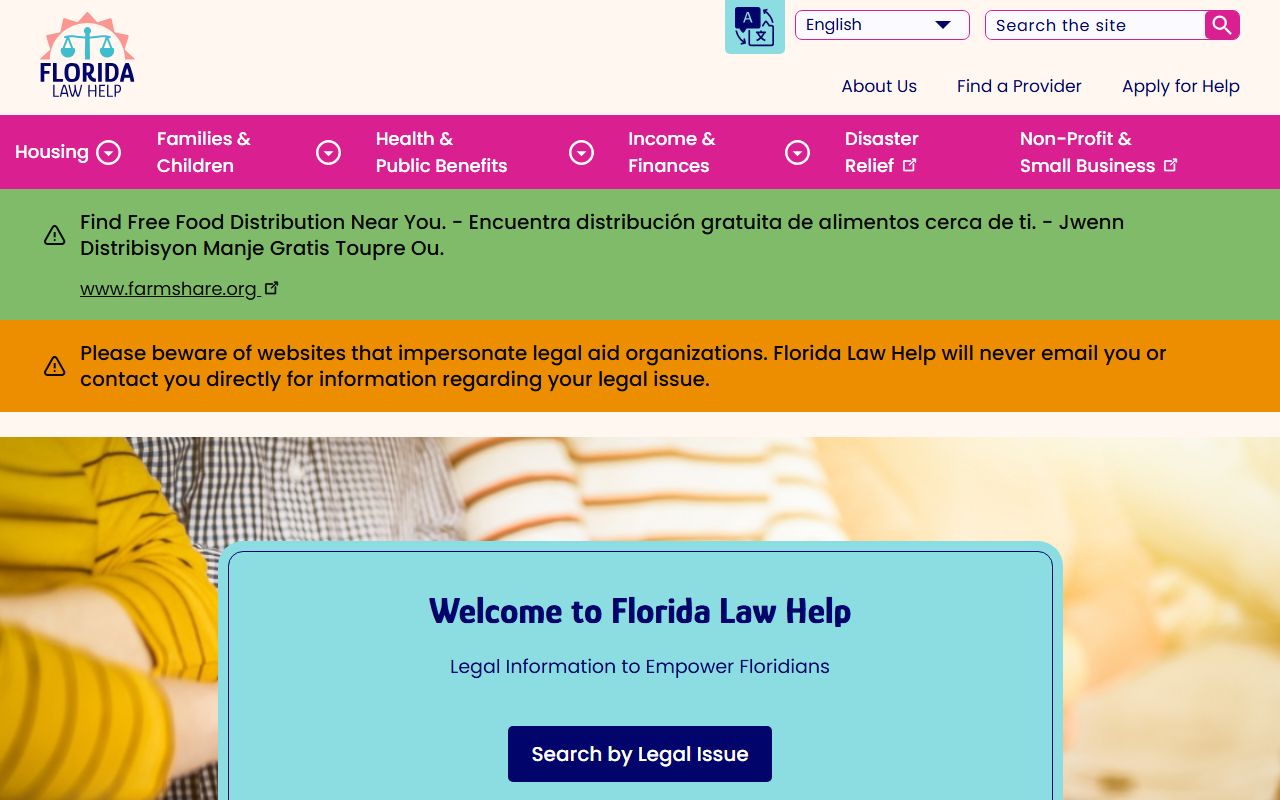
The Florida Law Help portal shown above offers legal information and referrals for residents who cannot afford a lawyer.
How do I find a lawyer in Palm Beach County?
Lawyer referrals run through the Palm Beach County Bar Association, which connects residents with local attorneys by practice area.
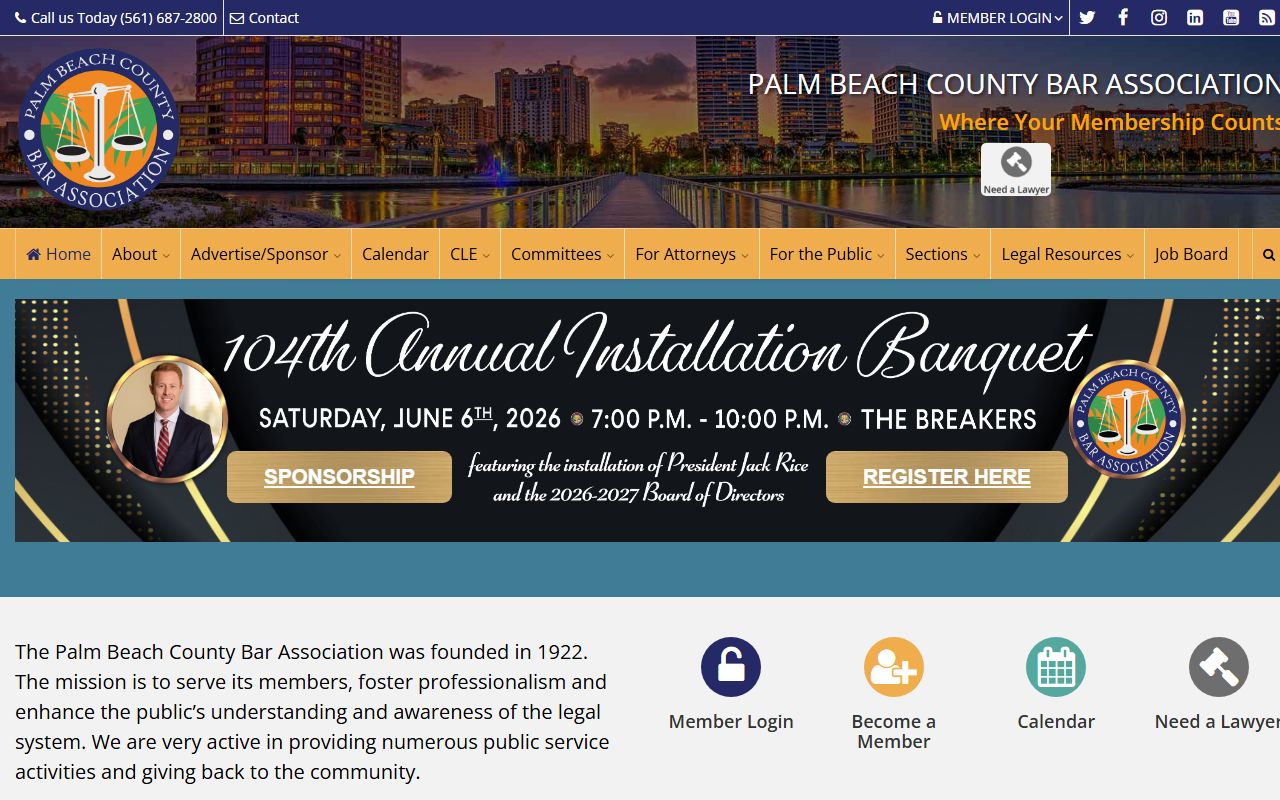
The Palm Beach County Bar Association pictured above runs a lawyer referral service and lists local bar resources.
Why does the Clerk have both court records and land records?
In Florida, the Clerk of the Circuit Court & Comptroller is both the court clerk and the county recorder. That is why one office keeps eCaseView court files and Official Records like deeds, mortgages, and recorded marriage licenses. The two are separate databases under the same office. Use eCaseView for cases and Official Records for recorded instruments. The Clerk of Court page explains both roles.
Can I use eCaseView to file new documents?
No. eCaseView is only for viewing and searching cases and documents. New filings go through the statewide Florida Courts E-Filing Portal at myflcourtaccess.com. Self-represented filers can get forms and Navigator help at the Clerk's Self-Service Center on the first floor of the Main Courthouse. The court records page covers searching versus filing.
How do I request an unredacted certified copy of my case?
A party or the attorney of record can request an unredacted certified copy through the Clerk's web request form. These are not ordinary public copies, since redacted material is protected from the general public, so the request requires standing and authorization.
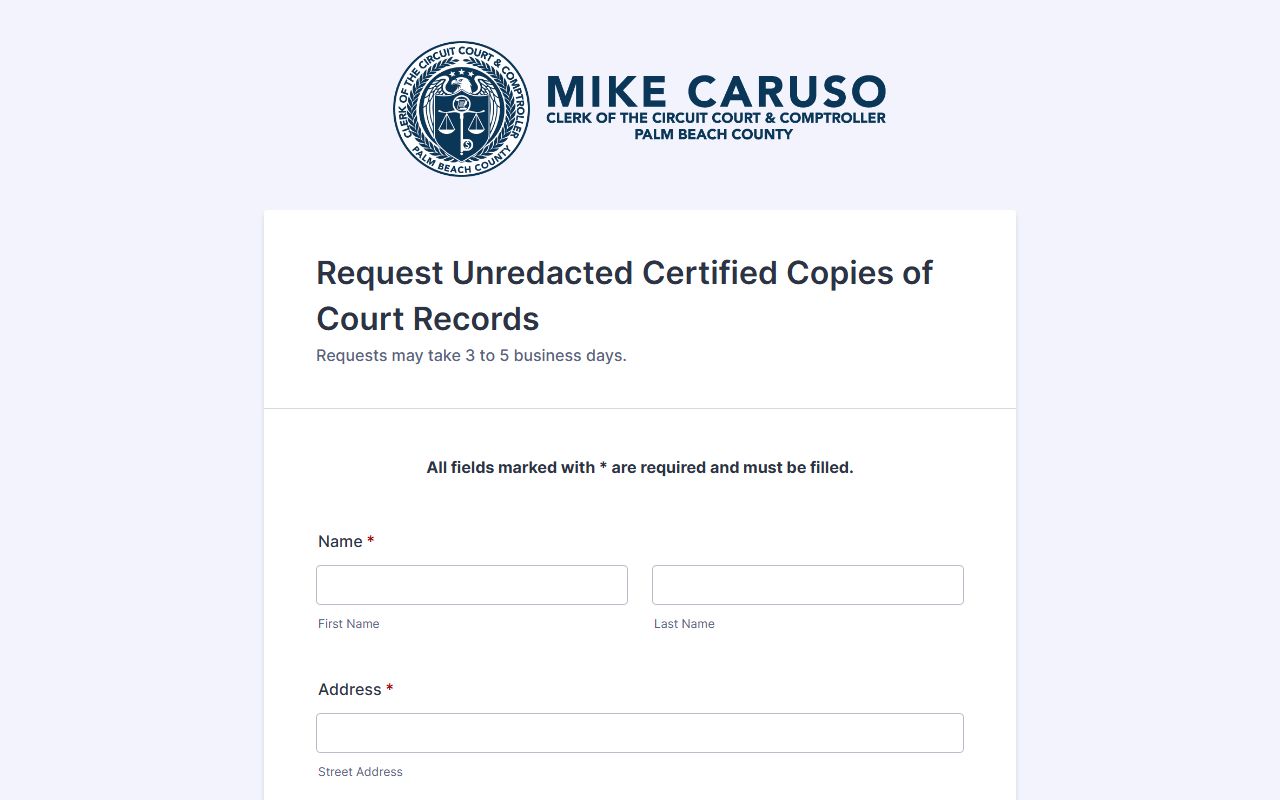
The Clerk's web request form shown above is how a party or attorney of record orders an unredacted certified copy of a case document.
Still Have Questions?
For the right office, see Clerk of Court. For broader access rules, see public records. For records-by-topic, browse court records, criminal records, inmate records, warrant records, marriage and divorce, or probate.